
Connect to Wi-Fi on your iPhone, iPad, or iPod touch
Learn how to connect your device to a Wi-Fi network, including open, secure, and hidden networks.
 Wi-Fi network
 Secure Wi-Fi network
 Hidden Wi-Fi network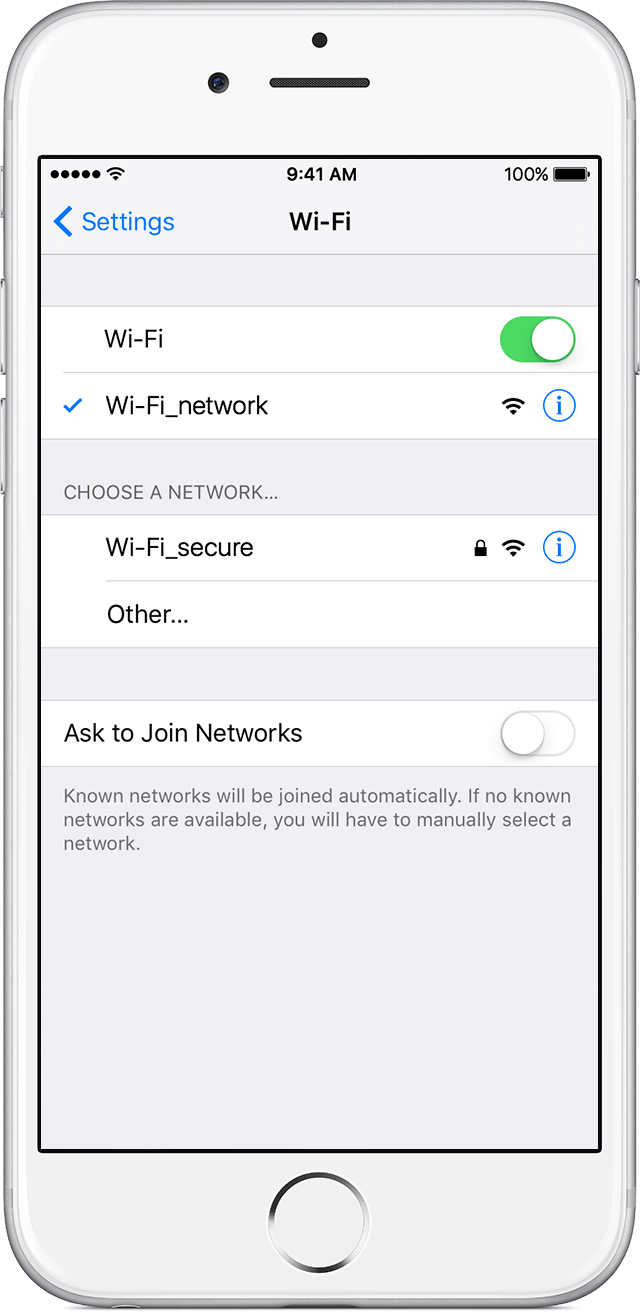
Connect to a Wi-Fi network
- From your Home screen, go to Settings > Wi-Fi.
- Turn on Wi-Fi.
Your device will automatically search for available Wi-Fi networks. - Tap the name of the Wi-Fi network that you want to join.
 next to the network and
  in the upper-left corner of your display.
Connect to a secure Wi-Fi network
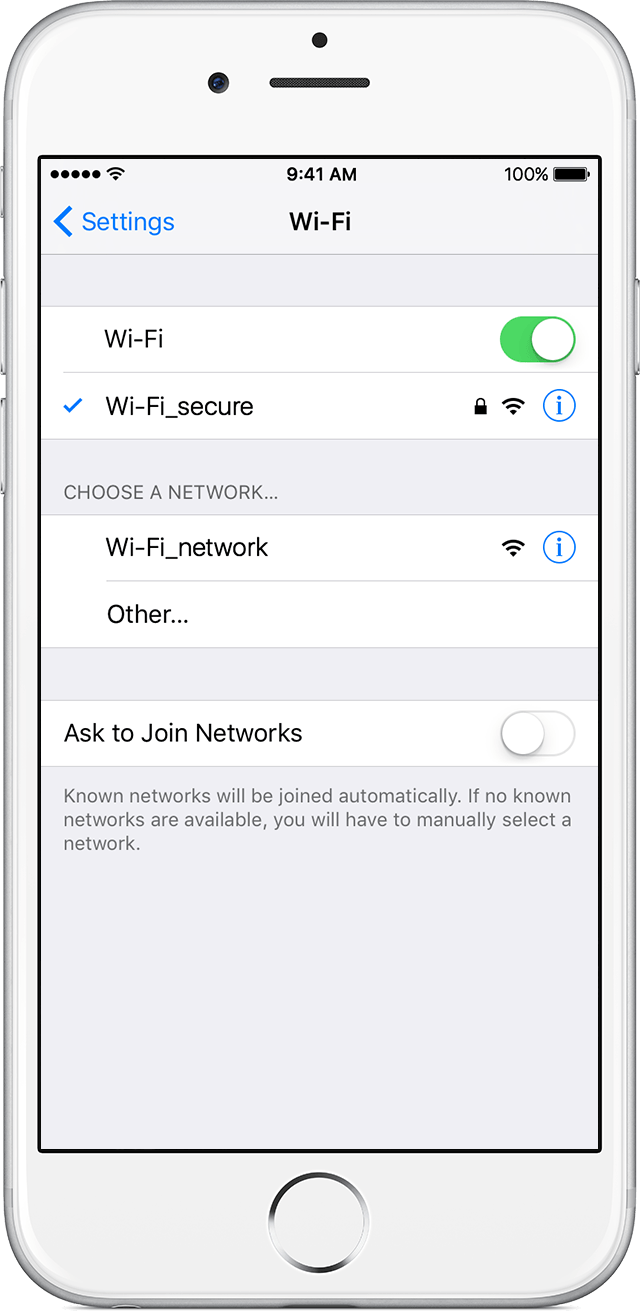
Secure Wi-Fi networks are password-protected and have by their names.
- Go to Settings > Wi-Fi, and make sure Wi-Fi is turned on.
- Tap the name of the secure Wi-Fi network you want to join.
- Enter the password for the secure Wi-Fi network, then tap Join. If you can't tap Join, the password you've entered is incorrect.
next to the network and in the upper-left side of your display. If you don't know the password to the Wi-Fi network, contact your network administrator.- Go to Settings > Wi-Fi, and make sure Wi-Fi is turned on. Then tap Other.
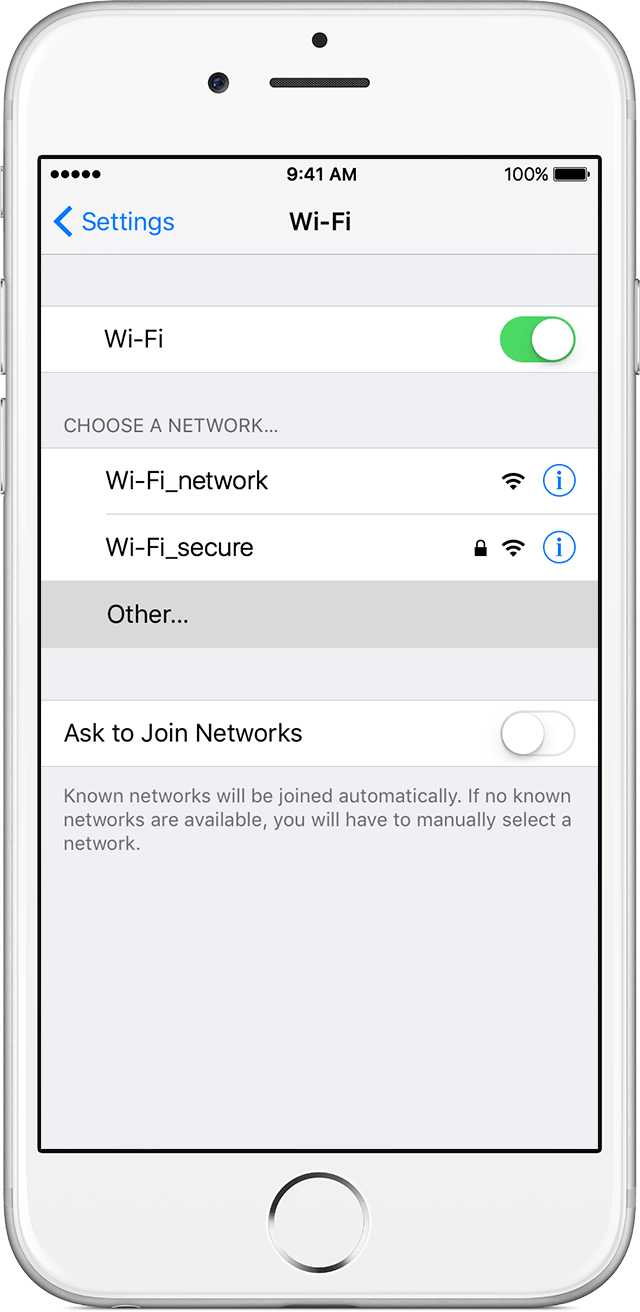
- Enter the exact name of the network, then tap Security.
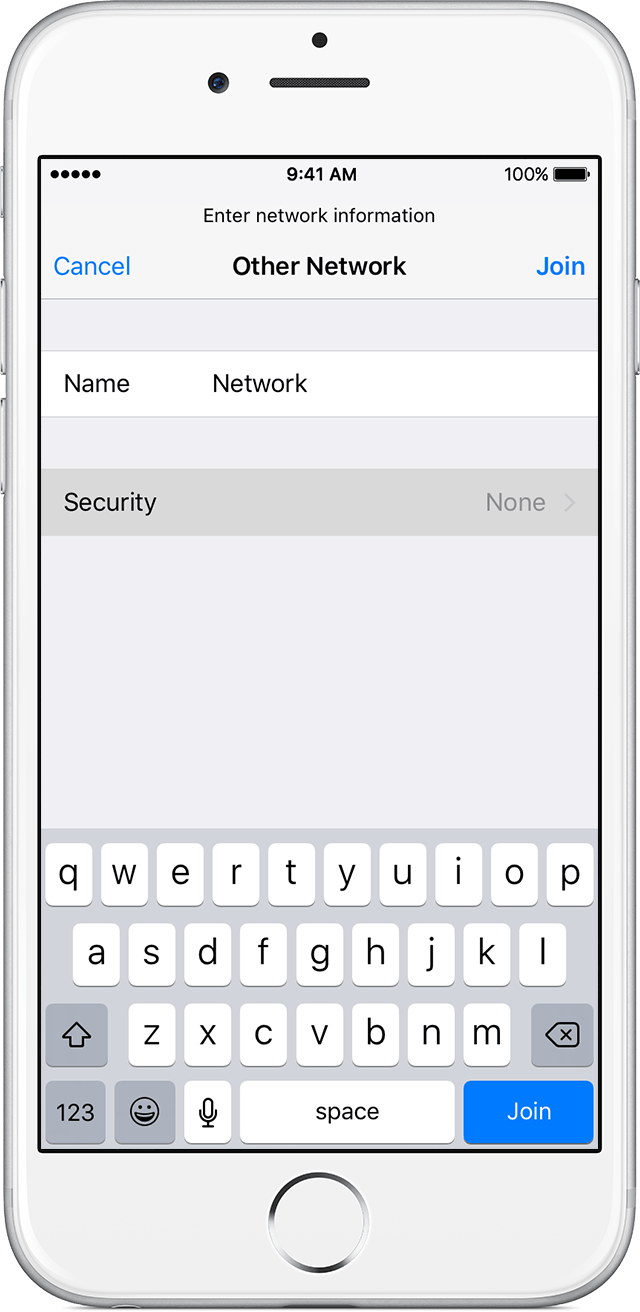
- Choose the security type. Not all hidden networks are secure. If you're not sure, check with your network administrator.
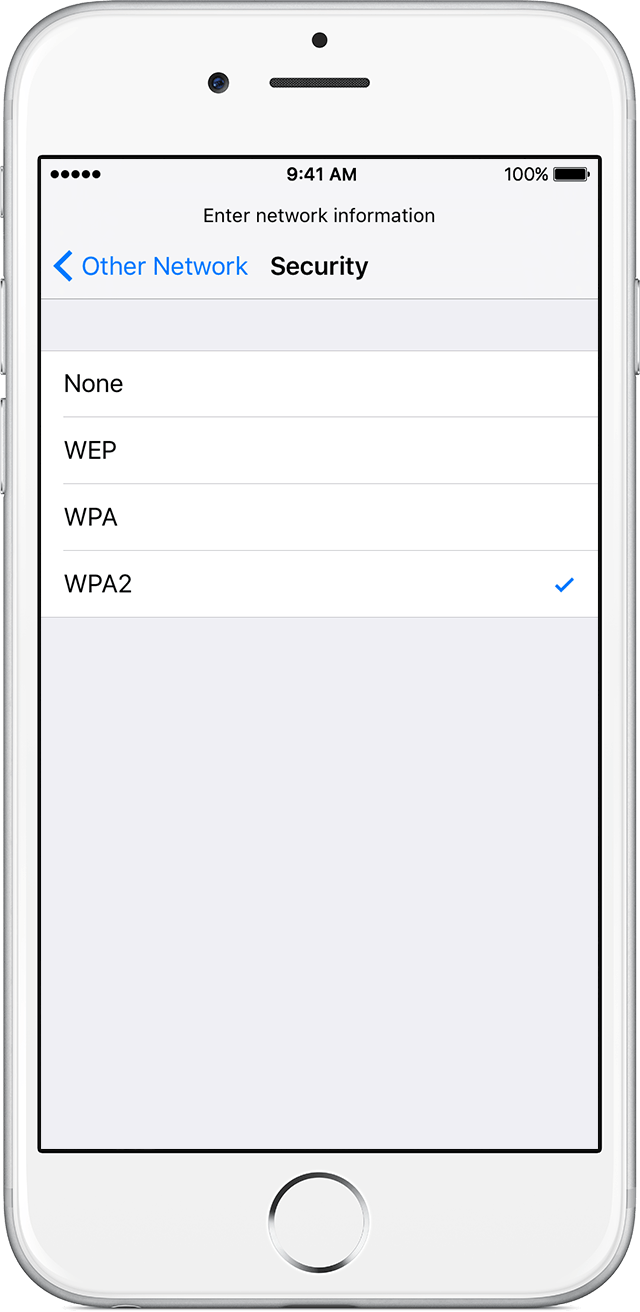
- Tap Other Network to return to the previous screen.
- Enter the network password in the Password field, then tap Join.
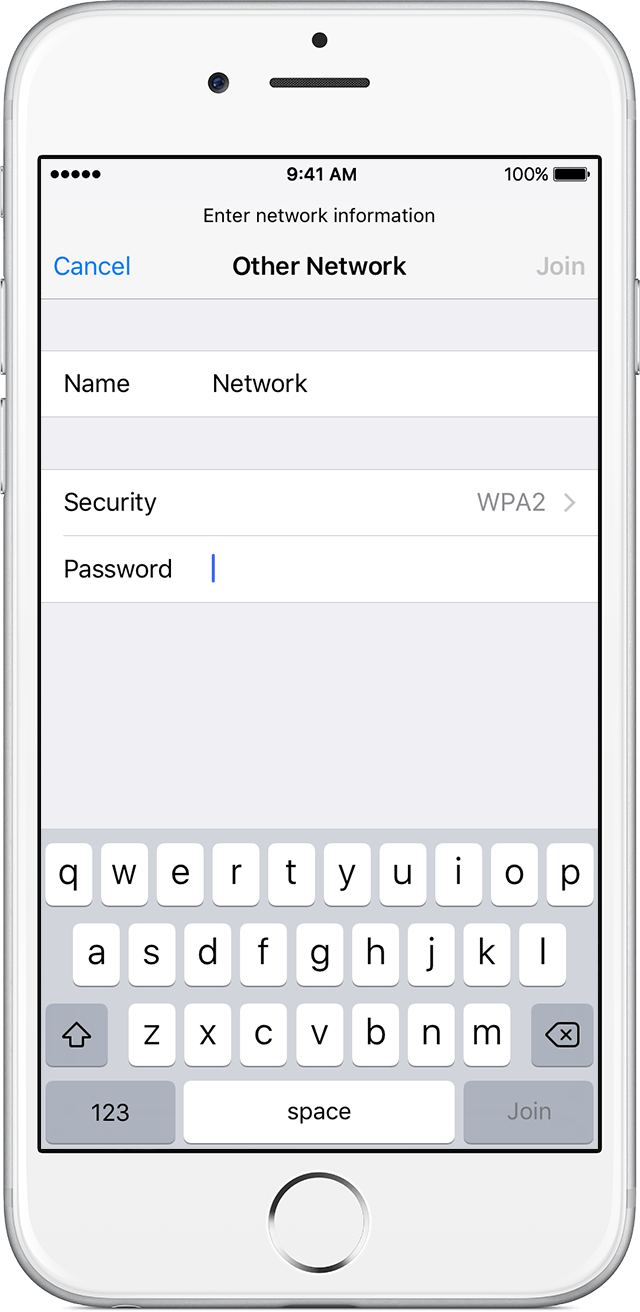
next to the network and in the upper-left side of your display.


Post a Comment